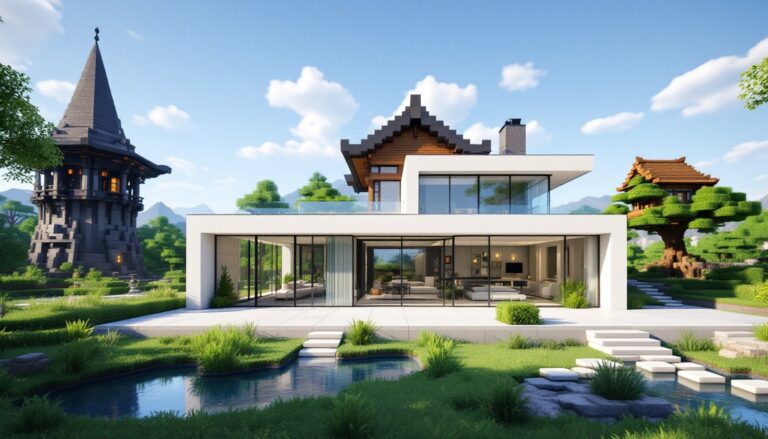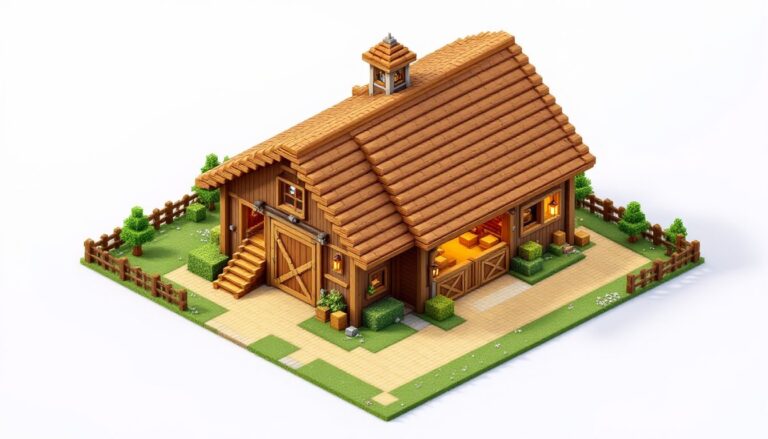
Minecraft building is more than just stacking blocks, it’s about creating structures that look intentional, detailed, and visually compelling. Whether you’re constructing a cozy cottage, an ambitious minecraft castle, or planning your next minecraft building project, the difference between a forgettable build and a showstopper comes down to understanding core design principles and having the right techniques in your toolkit. Gamers across all skill levels struggle with flat walls, monotone textures, and roofs that feel uninspired. The good news? These problems are fixable. This guide walks you through the fundamentals of minecraft building, covers essential tools and strategies, and reveals the advanced techniques that separate casual players from experienced builders.
Table of Contents
ToggleKey Takeaways
- Minecraft builder success starts with planning: sketch layouts using simple shapes and odd-number dimensions to ensure proportional, balanced structures with clear centerlines for symmetry.
- Depth and texture variation transform flat builds into showstoppers—use the sprinkle technique to mix related blocks, add roof overhangs, recessed details, and varied heights that define your structure’s character.
- Creative Mode lets you experiment fearlessly with bold designs, while Survival Mode forces intentional planning that often produces more creative and rewarding results.
- Master beginner-friendly techniques like 2×1 windows, building roofs first then walls, and small overhangs before advancing to curves and diagonals that separate casual builders from experienced ones.
- Avoid common mistakes like flat walls, monotone textures, and ignoring silhouette by checking your Minecraft building from multiple angles and using varied block palettes with strategic detail placement.
Understanding the Fundamentals of Minecraft Building
Every solid minecraft build starts with a plan. Before placing a single block, experienced builders sketch out a ground layout using simple shapes, rectangles for houses, circles for towers, and a mix of both for more complex structures. This foundation step prevents wasted effort and ensures proportional, balanced results.
When designing your layout, odd-number dimensions work best. A house that’s 5, 7, or 9 blocks wide naturally creates a clear centerline for placing doors, windows, and rooflines symmetrically. This simple rule instantly makes builds feel more intentional.
Silhouette is everything. Before worrying about wall details, define the large shapes: the roofline, tower heights, main structure mass. Roofs at varying heights often determine the entire character of your build. Get those right, and the rest falls into place.
Blocks, Textures, and Design Principles
A single block type across an entire wall looks flat and lifeless. Instead, use contrast, pair a dark roof with light walls, then mix related blocks like stone, andesite, and cobblestone throughout. This “sprinkle” technique breaks up large surfaces without looking chaotic.
Depth is your secret weapon. Roof overhangs, recessed doors, support pillars, fences, and swapping glass blocks for panes all add visual interest. Even small dormers or curved roof tips transform a plain structure into something memorable. Texture variation and layering make the difference between a build that blends in and one that stands out.
Essential Tools and Mods for Builders
Creative Mode offers unlimited blocks and flight, making it perfect for experimenting with large shapes and complex roofs without resource constraints. This is where most builders test ideas before committing to a survival world.
Vanilla building aids, scaffolding, elytra, and fireworks, help you reach high spots quickly without mods. If you’re playing on Java Edition, tools like WorldEdit or FastAsyncWorldEdit (FAWE) let you make massive edits, copy structures, and use brushes for terrain shaping. Building Gadgets mods can generate templated structures, speeding up repetitive work.
For planning curves and circles, many builders use external paint programs or specialized tools like Axium to plot designs, then translate them into blocks. This removes guesswork and ensures accuracy.
Creative Mode vs. Survival Mode Building
Creative Mode is your sandbox. You can experiment fearlessly, trying bold roof designs and complex curves without worrying about resources or fall damage. Many builders design in Creative first, then recreate builds in Survival using cheaper, farmable material palettes.
Survival Mode forces intentional planning. Limited resources mean choosing block types that are easy to farm. Mob spawning demands practical lighting and defensive layouts. The constraints actually improve creativity, you learn to do more with less. A survival build feels earned in a way Creative builds often don’t.
Beginner-Friendly Building Techniques
Start with simple geometry. A rectangular house is your foundation. Add a circular tower on one corner. These basic shapes train your eye for proportion before attempting complex roofs or curves.
One counterintuitive trick: build your roof first, then raise walls up to meet it. This prevents flat rooflines and keeps proportions natural. Your roof becomes the anchor, walls follow its shape, not the other way around.
2×1 windows appear frequently on professional builds for good reason. They’re proportional, easy to repeat, and break up wall space without overwhelming detail. Pair them with simple additions, flower boxes, shutters, or small balconies, to add personality.
An excellent resource for refining these basics is Minecraft Building Tips: How, which covers foundational techniques with visual examples. Small overhangs and varied roof heights transform beginner builds into something polished. Don’t skip these details, they’re what make structures feel complete.
Advanced Structural Design and Landscaping
Curves and diagonals separate advanced builders from beginners. A simple 45-degree diagonal uses 1-block steps: go forward 1, up 1, repeat. For shallower angles, use patterns like 2-up-1-over. Complex roofs with multiple intersecting gables and towers follow consistent diagonal logic, connect your highest and lowest points while maintaining the pattern.
Arches and circles are best planned with guides. Draw your arch or circle in an external program, then copy the pattern into the game. This removes trial-and-error and ensures clean results.
Landscaping ties your build to the terrain. Smooth pond edges with gradual slope transitions and varied block types rather than abrupt drops. Integrate structures into cliffs, ravines, and hillsides. A build that flows with the landscape looks intentional: one that ignores terrain feels plopped down.
When tackling ambitious projects like a Minecraft Pirate Ship, the same principles apply: establish core geometry, add varied heights, texture your surfaces, and anchor it to terrain. Large builds benefit from breaking the project into sections, build one ship section at a time rather than the whole thing at once.
Common Building Mistakes and How to Avoid Them
Flat walls are the most common flaw. Fix them by adding pillars, recessed windows, hanging planters, or varied roof heights at the wall’s edges. Texture matters too, mix your main block with accent blocks to prevent monotony.
Using a single block type throughout kills visual interest. Your palette should include a primary block, one or two accent blocks, and detail blocks for trim. Stone with andesite, wood with dark oak trim, and copper accents feel cohesive and intentional.
Ignoring silhouette causes builds to blur together. Check your structure from multiple angles, front, side, and high angle views, frequently while building. Keep outlines clean when filling in details. A readable silhouette holds up even when zoomed out.
Beginners often fill every surface with decorations. Restraint matters. Establish your main shapes clearly, then add details strategically around focal points like entrances or towers. Pathways should stay clear. Too much clutter obscures what makes the build special.
For players attempting floating island builds, the mistake is making islands too uniform in height or surrounding them with empty space. Vary ground levels, add overhanging terrain, and use landscaping to make the island feel like part of a larger world.